UCLA’s new multi-factor authentication prompt does not have a way to configure a default authentication device. Instead, it will always prompt you for your last-used authentication method. If you select an option and authenticate with it, Duo will remember and continue to automatically prompt you with it until you authenticate with a different method.
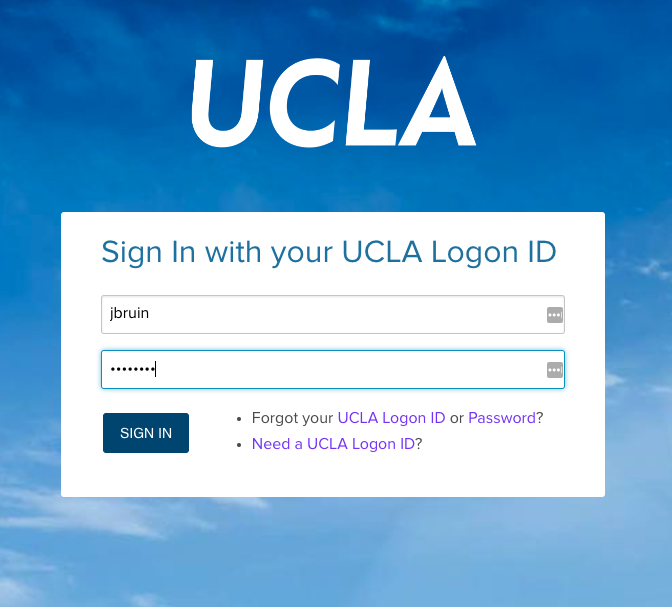
Step 1: Login to a service that requires your UCLA Logon ID & MFA
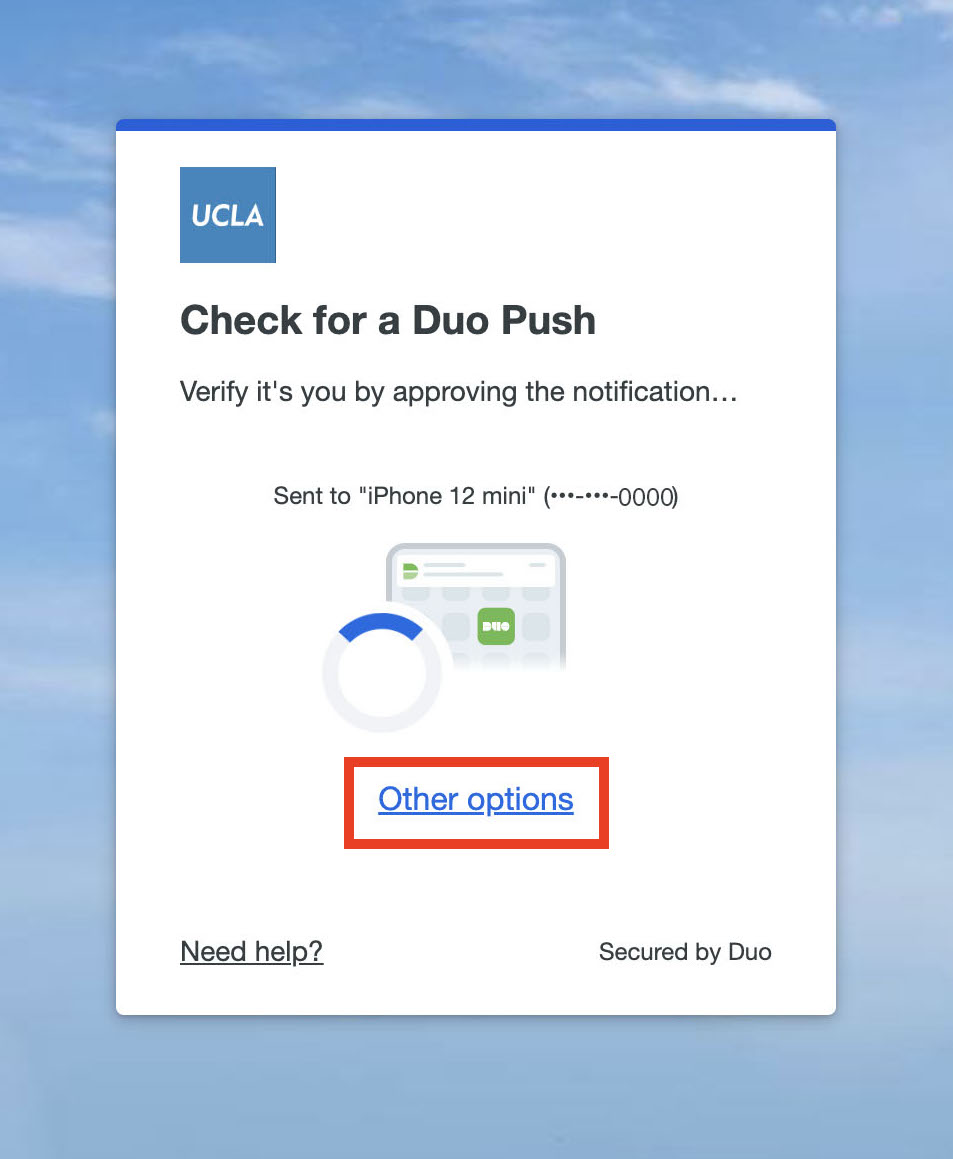
Step 2: Select Other options.
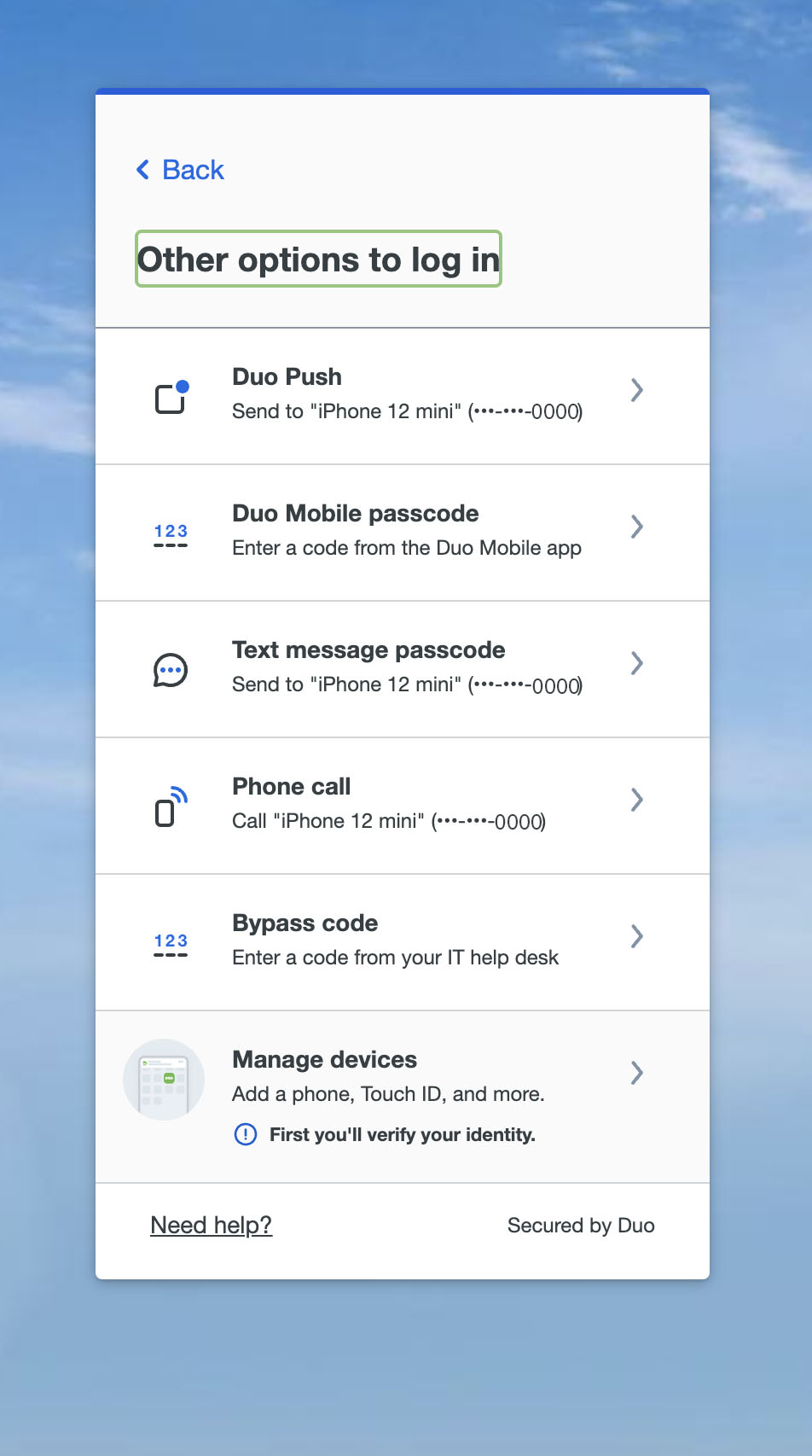
Step 3: Select from the options available to you and complete logging in.
The options provided in the list will depend on your enrolled devices and permitted authentication methods.
Step 4: Next time you log in, the Universal Prompt will ask you to use the method you chose in step 3.
For any additional questions please contact the HumTech Service Desk.
Need help?